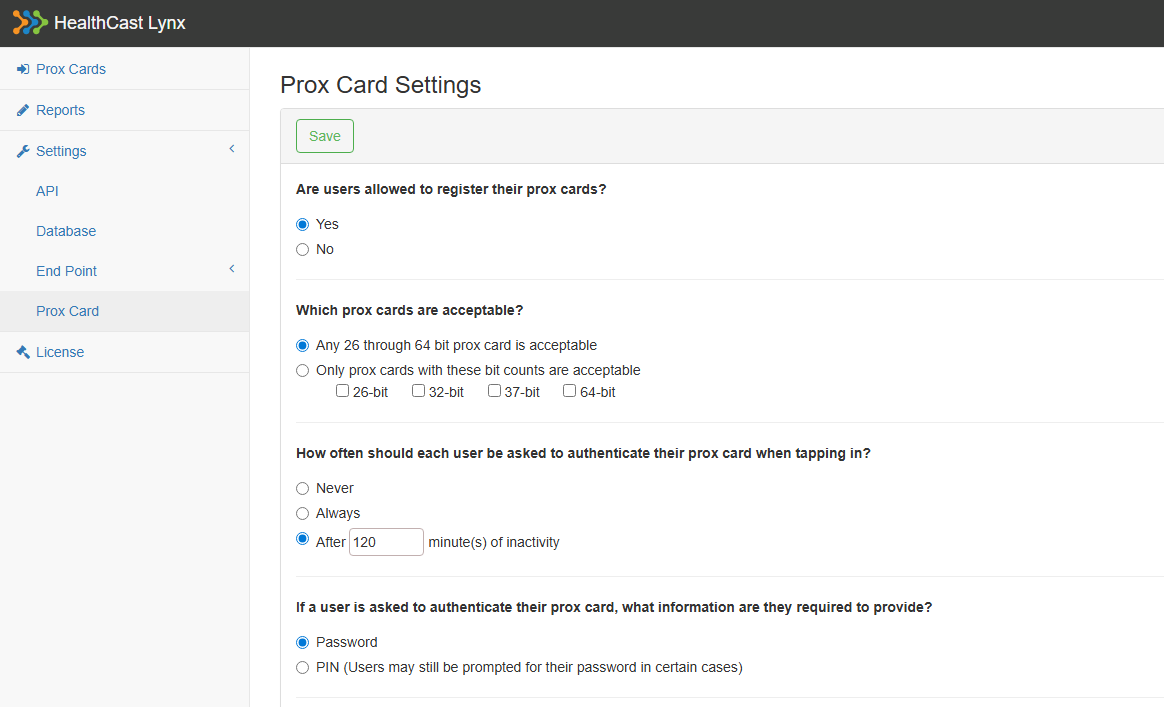
The Prox Card settings page allows the Lynx administrator(s) to configure prox card behaviors, workflows, and requirements. To find and edit these settings:
-
Log into the Lynx Administrator tool.
-
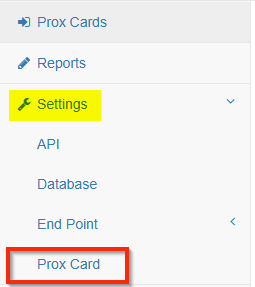
Go to the Settings tab on the left-hand side and click to expand it.
-
At the bottom of the expanded list, click Prox Card.
-
Edit the Prox Card settings as needed. Click Save at the top of the page when finished.