
QwickACCESS (QA) is an enhanced sign-on solution which utilizes proximity card technology to quickly and securely access a local or remote session. Users tap their proximity card (the same card that is used for building access or identification purposes) to "Tap-in" or "Tap-out" of their own local or remote session.
QA dramatically speeds up user workflow and reduces user frustration because they don’t need to type in their user name and password each time they access their work increasing efficiency at shared workstations.
Product Features
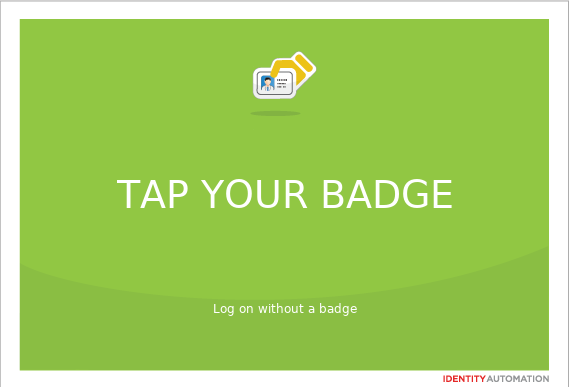
Welcome Screen
- The Welcome Screen display can be configured to either: always be on the foreground or hidden from view.
Tap‑In
- Users tap their badge on the reader to automatically load their username.
- Users only have to enter their Windows password once at the start of the day to authenticate.
- After authentication, users simply tap their badge to move in and out of their session without re‑entering their password, as long as they remain within the Rolling Password‑Save window.
Tap-Out
- Users tap their badge on the reader to automatically secure their remote session.
- The same session can be accessed again at the same or a different QA enabled end-point.
Tap-Over
- If a user forgets to tap-out, another user can tap their own badge to securely disconnect the previous user's session and simultaneously log into their own session.
Configurable Rolling Password-Save
- User passwords are saved for a period of time after badge is tapped.
- Users can tap-in to any QA enabled computer without entering a password while within the password-save time period.
- The password-save time "rolls over" at any tap-in, tap-out, or tap-over event, renewing the amount of time in which your password is saved. This is configured by an administrator to conform to the security policies of the organization.
Badge Self-Enrollment
- Enables users to self-enroll their badges.
- Users don't need help from IT staff or have to take their badge to a special enrollment station.
Bit Count Checking
- Optional, enhanced security feature can be configured to allow only certain bit counts.
- When configured, any card with the incorrect number of bits will not be granted access.